
Incorrect information in your EPFO account, your funds could get stuck:

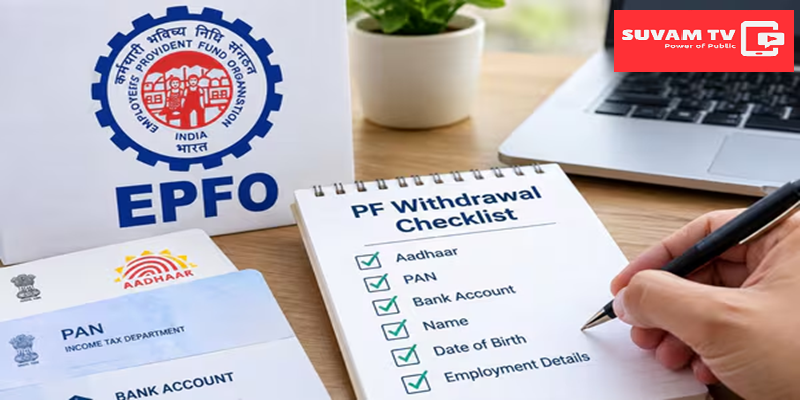
Incorrect information in your PF account could lead to issues with accessing your funds: EPFO explains how to make corrections online update your details in 5 easy steps. If any information in your PF account such as your name, date of birth, or gender is recorded incorrectly, it could cause delays or complications when settling claims, withdrawing funds, or transferring your account.
To address this, the EPFO has introduced an online ‘Joint Declaration’ facility, allowing members to correct their records from the comfort of their homes.
5 Easy Steps to Correct PF Details Online:
- Visit the EPFO portal and log in using your UAN and password.
- Once logged in, select the ‘Joint Declaration’ facility available on the portal.
- Choose the specific information you wish to correct and enter the accurate data.
- Upload supporting documents such as your Aadhaar, PAN, or birth certificate to validate the correct information.
- Review all the entered details and uploaded documents, then submit your request. Ensuring Information Matches Your Documents
You must upload valid identification documents that correspond to the information being corrected. Please ensure that the data you enter matches the information provided in the uploaded documents.

What Happens After Submitting an Online Request?
Once you submit your correction request and documents via the member portal, the request will be forwarded for verification. Your details will be examined in accordance with EPFO rules and verification procedures, after which the data will be updated.
What is the ‘Joint Declaration’ Facility?
A ‘Joint Declaration’ is a form submitted collectively by both the employee and the employer. It is used to correct a PF account member’s personal or employment-related information in official records. Previously, this required filling out a physical form and visiting a PF office in person; however, the process can now be completed entirely online through the member portal.
How to Prevent Your PF Claim from Being Rejected?
UAN-Aadhaar Linking: Ensure that your UAN is linked to your Aadhaar and that the spelling of your name is identical in both records.
Bank Detail Verification: Keep your bank account number and IFSC code updated correctly so that any withdrawn funds are credited directly to your bank account.
Profile Photo and Mobile Number: Keep your active mobile number and a profile photo updated on the portal to avoid any issues with OTP verification.